Choose and protect.
Start with your photo, AI imagery, or an image you have permission to use. Mask the subject and refine its edges.
Bring photography and AI imagery to life with Plotagraph, the motion-art tool invented by Troy Plota. Shape movement in the image while keeping the details you love still.
Guide clouds across a sky, let fabric drift, or find movement in an imagined world. Motion paths, anchors, and masks let you direct the flow around your subject and build a seamless loop.

Motion paths direct movement through the original image. Anchors hold selected points, while masks protect the areas you want to remain still. Refine the boundaries until the motion feels part of the scene.
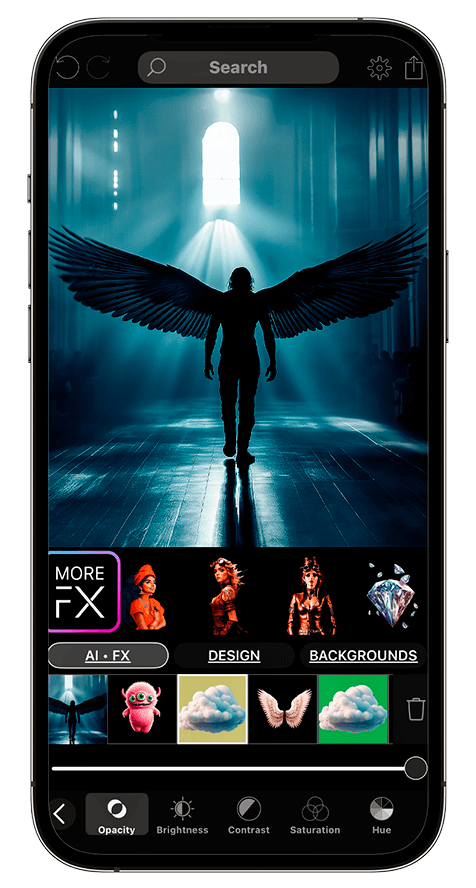
Add a moving overlay, a graphic, or a personal My FX element. Adjust its placement, color, and opacity to suit the image. The still-image animation and an overlay’s own movement are different creative layers.
Start with your photo, AI imagery, or an image you have permission to use. Mask the subject and refine its edges.
Add motion paths and anchors. Preview the movement, then introduce effects where they support the scene.
Check the join as well as the middle of the animation. Adjust your composition and use the available export or sharing options.
You direct movement through a still image with motion paths, anchors, and masks. It is a guided image-animation workflow: you choose where motion flows and what stays still.
Yes. You can start with AI imagery or your own photographs. Choose an image you have permission to use, then use your creative direction to shape the motion.
Use PlotaPhoto to prepare personal still effects. Bring a video exported from Plotagraph into PlotaMotion to add timed effect layers. The full Creative Studio is available through All-Access plans on iPhone and iPad.
Start with a still. Follow your imagination. Explore Plotagraph in the Creative Studio on iPhone and iPad.
Free download · In-app purchases available
iPhone & iPad: community + Creative Studio · Android: community