Choose your element.
Import artwork, a logo, or a photograph you have permission to use. Decide which part belongs in your next composition.
Refine a photograph and turn your own imagery into reusable still effects. PlotaPhoto helps you build a personal visual vocabulary for Plotagraph and PlotaMotion.

A flower, a logo, a character, or a graphic can find a new life in your next composition. Isolate the part you want, shape its look, and save it as a personal effect to use again.
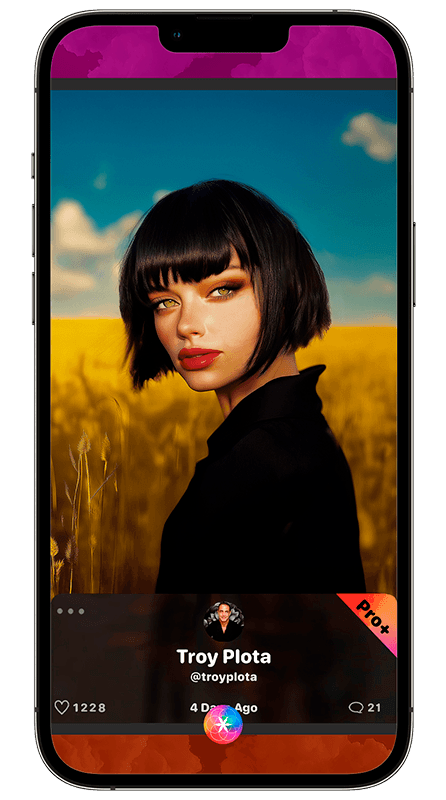
Start with a photograph or an AI-created image. Explore Enhance, presets, and fine adjustments to bring the color, contrast, and character of the image closer to your vision.
Erase unwanted areas to isolate a subject or design element, refine its edges, and save the custom still effect to My FX. A personal library gives you familiar elements to revisit in new combinations.
Import artwork, a logo, or a photograph you have permission to use. Decide which part belongs in your next composition.
Erase what you do not need, refine the edges, and adjust the element’s appearance.
Export the still effect to My FX. Add it to Plotagraph or PlotaMotion, then position and style it within your scene.
PlotaPhoto combines photo adjustments with tools for preparing custom still effects. Those effects can be saved to My FX and reused in your creative projects.
Yes. Add it to Plotagraph or PlotaMotion and explore the available Cinematic/Parallax and Warp controls. Its movement is shaped in the motion tools.
Yes. Adjust its placement, scale, opacity, color, and other available controls in the composition. One saved element can take on different roles in different pieces.
Explore PlotaPhoto and build with your own images in the Creative Studio on iPhone and iPad.
Free download · In-app purchases available
iPhone & iPad: community + Creative Studio · Android: community